How Lantern works
From the first time you open it to your first check-in.
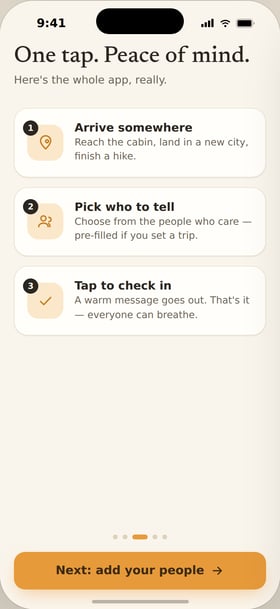
1. See the idea
A quick walkthrough explains what Lantern does and what you'll get out of it.
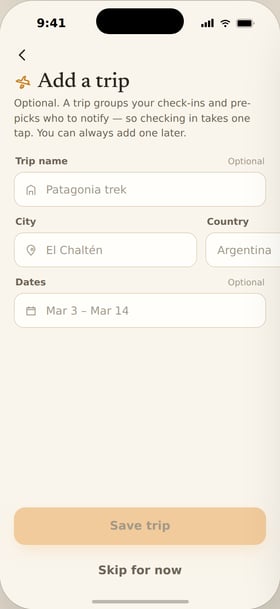
2. Create your trip
Tell Lantern where you're going and when you'll be back.
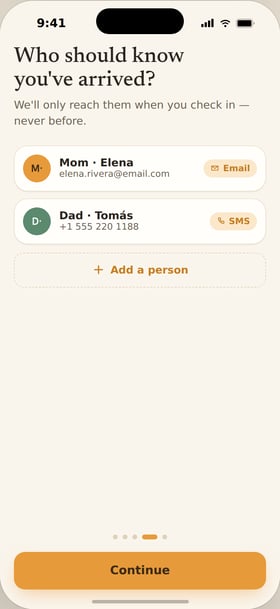
3. Choose who hears from you
Pick the people who should know. They don't need to install anything.
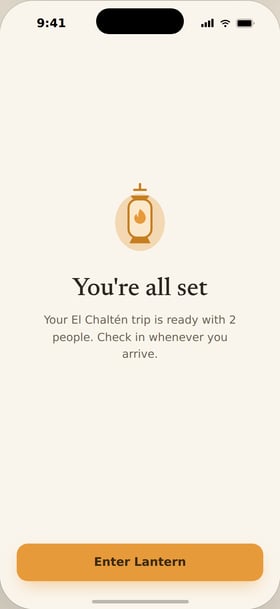
4. You're ready
That's setup. Now Lantern stays out of the way until you want to check in.
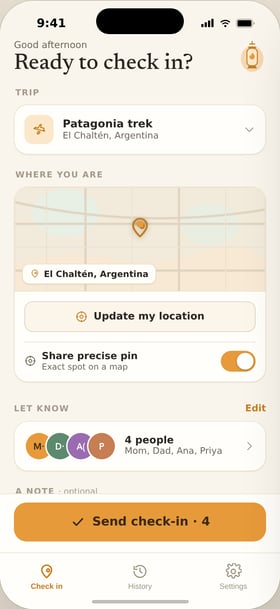
5. Check in along the way
One tap sends an update to everyone on the trip. Add a note if you want.
After you check in.
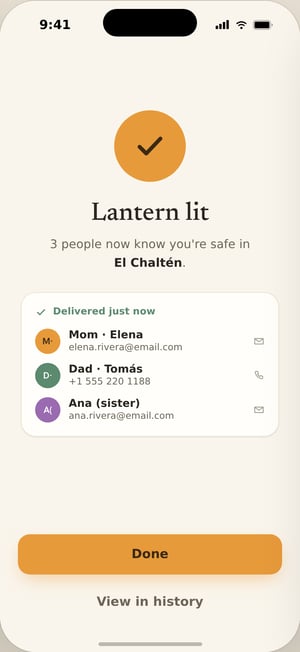
Everyone gets notified.
People you chose see your update right away. No texting around.
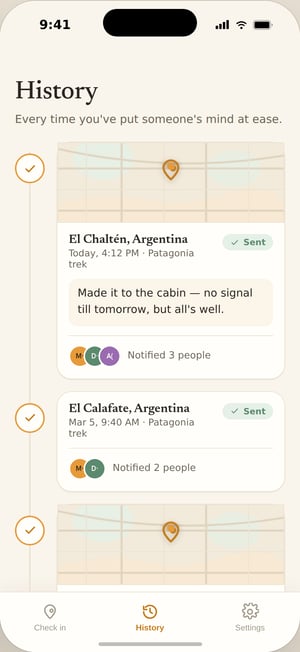
Your timeline stays clean.
All your check-ins in one place. Easy to look back on. Easy to share with family.
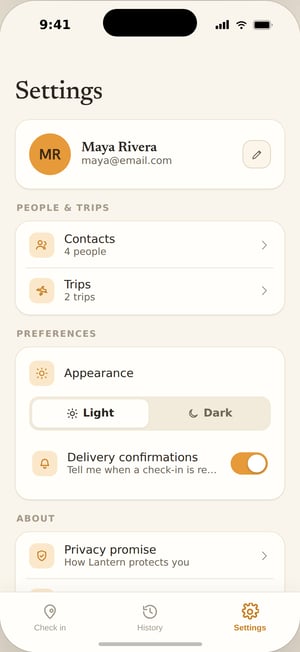
You stay in control.
Turn alerts on or off. Decide what to share. End the trip when you're home.